RSS.com lets you set up your podcast and upload your first episode at no cost, so you can explore the tools before choosing a plan.
If you have not set your podcast up yet, start here:
- How to create an RSS.com account?
- How do I create my first podcast?
- How to set up a perfect podcast URL?
- How do I create my first episode?
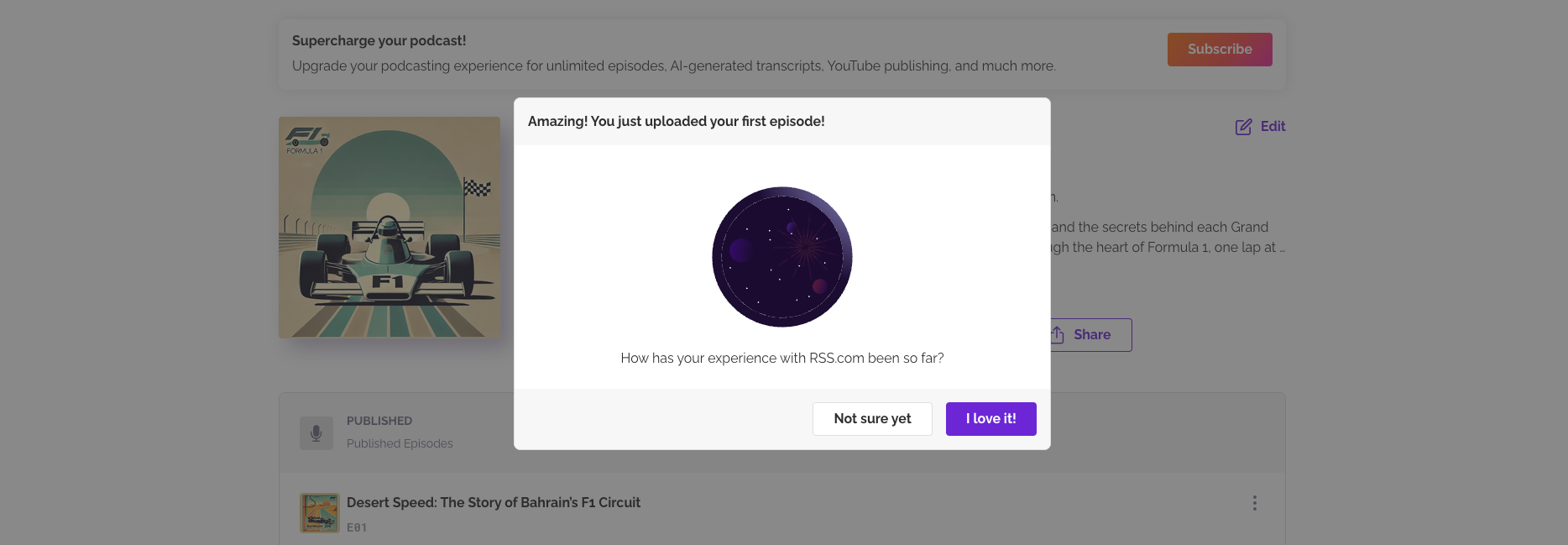
Your First Episode is Up. Now what?
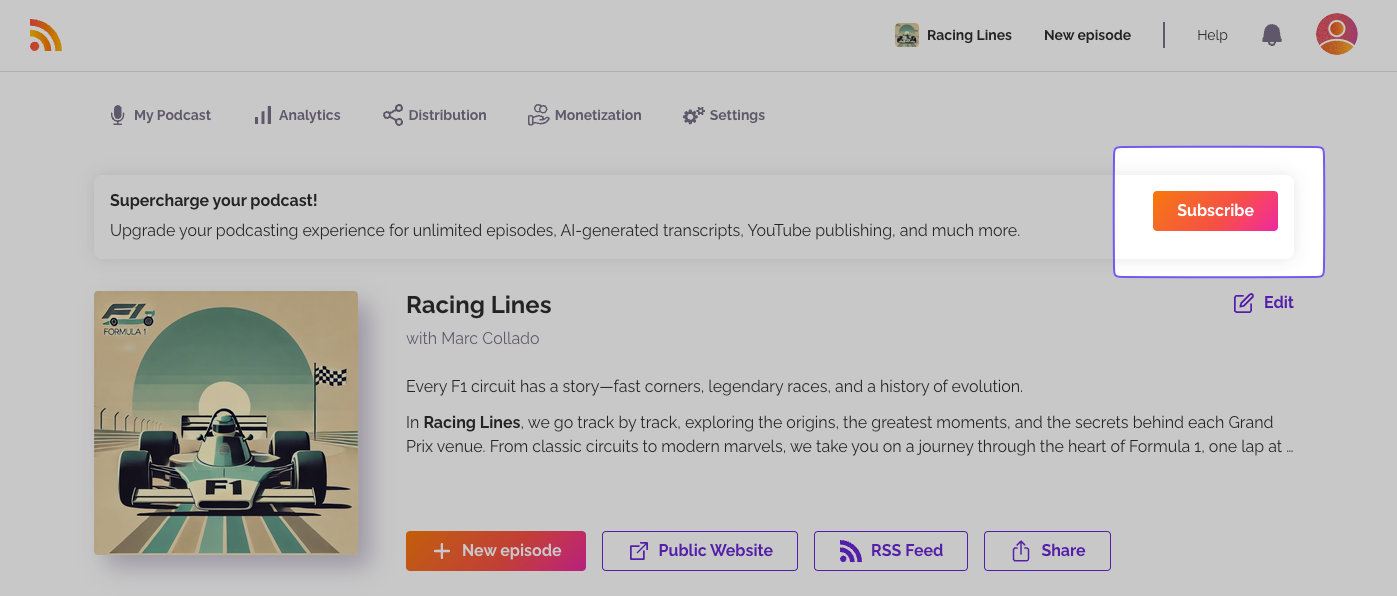
Once you’ve uploaded your first episode, a congratulations window will appear on your dashboard. When you are ready to publish more, click “Subscribe” and pick a plan.
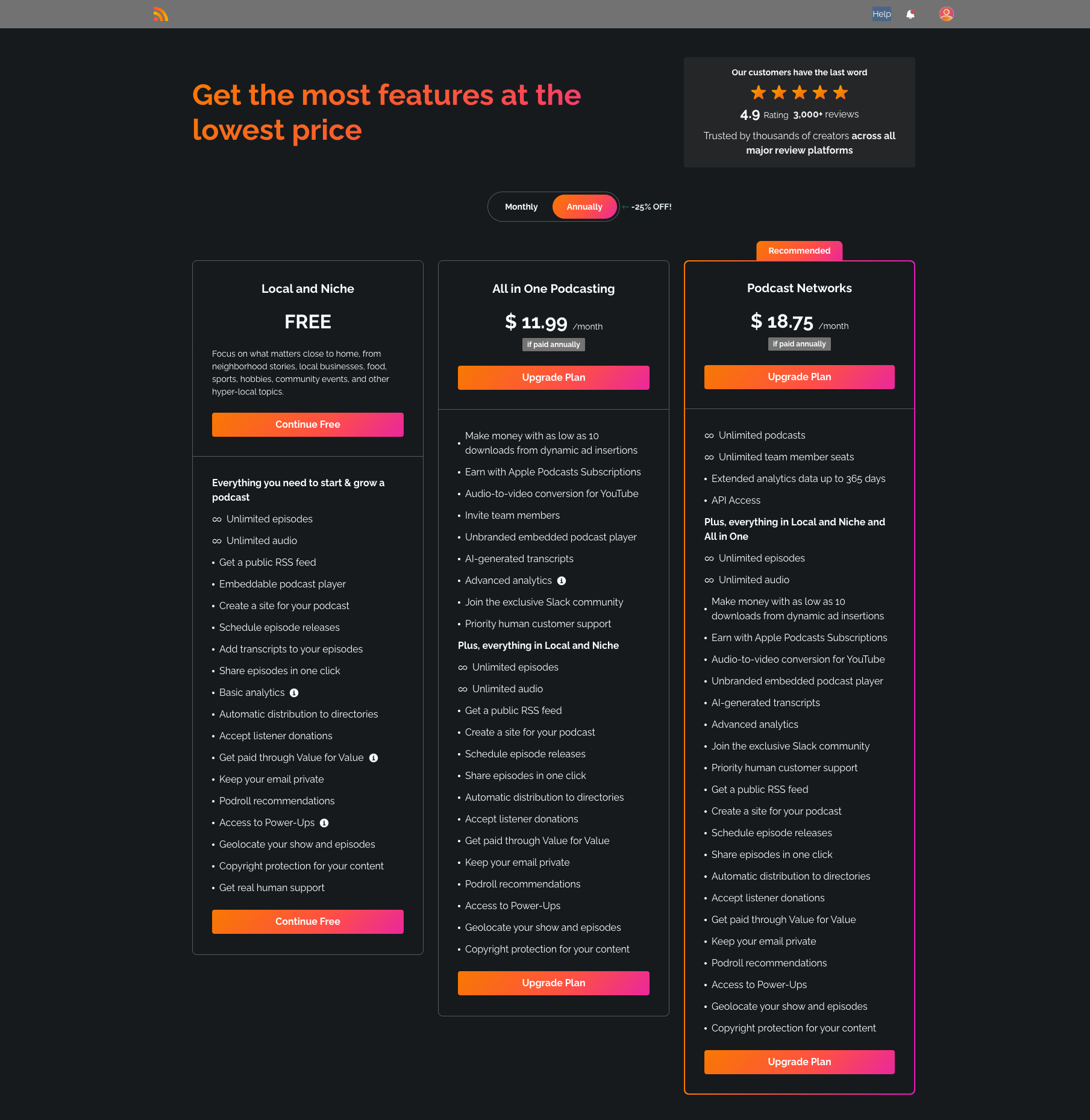
You’ll be taken to our Plans & Pricing page, where you can choose from the following options:
Free: our no-cost plan, built for local and niche shows. One podcast, unlimited episodes and audio.
Plus: one podcast, with dynamic ads, AI-generated transcripts and advanced analytics.
Pro: up to 10 podcasts, unlimited team members and all-time analytics.
Max: unlimited podcasts, audio and video. Video episodes carry ads, and you keep 70% of that revenue once you activate PAID.
Every paid plan is available monthly or annually. Compare the plans for the full breakdown.
Start the Free plan
Free needs a podcast, so create yours first.
- Click Start a podcast free.
- Add a location for your podcast, and tell us more about you if you like.
- Click Submit & Activate Free Plan.
- Add a card on the next page. It's only for verification and is never charged.
Start a paid plan
- At the top of the page, choose Monthly or Annually. Annually is selected by default.
- Click Start with Plus, Start with Pro or Start with Max.
- Enter your payment details on the checkout page.
- Check the plan, the price and the billing cycle, then confirm.
Already on Free? The buttons read Upgrade to Plus, Upgrade to Pro and Upgrade to Max.
You are all set
Your subscription is active. If you want to check what it includes, see the plan comparison.
Was this article helpful?
That’s Great!
Thank you for your feedback
Sorry! We couldn't be helpful
Thank you for your feedback
Feedback sent
We appreciate your effort and will try to fix the article