If you have activated PAID ads on your episodes, you may notice that timestamps in your content don’t always line up exactly with the spoken audio. This is expected behavior, and here’s why:
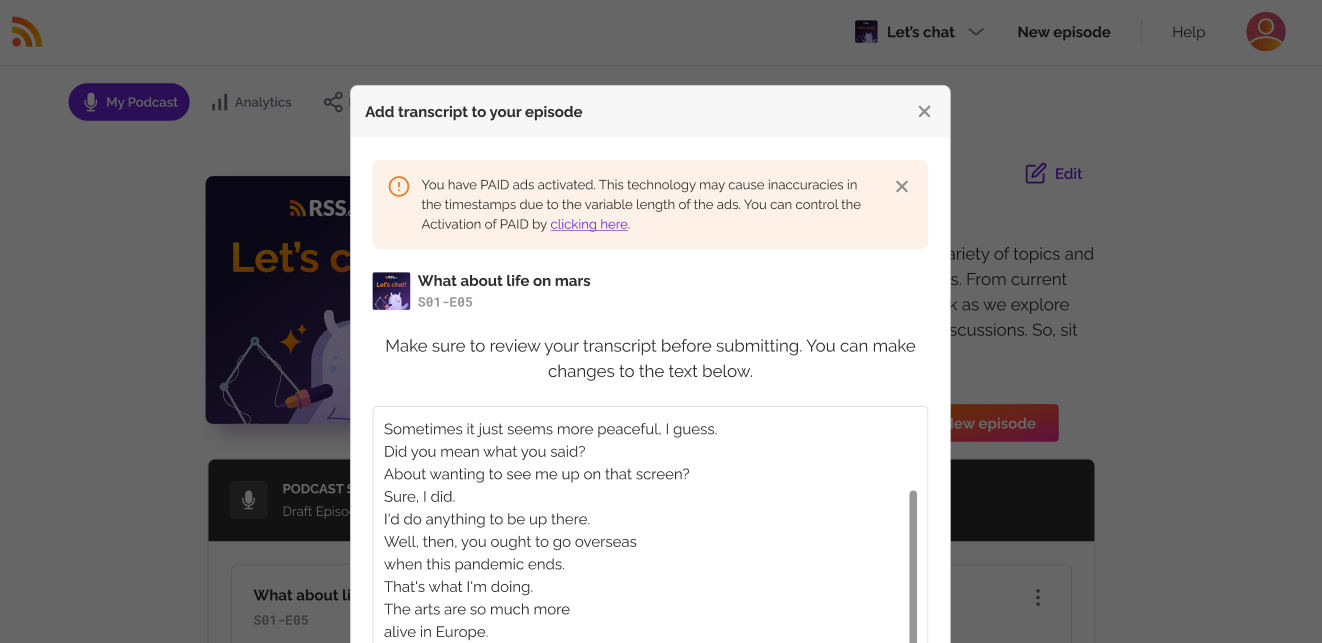
Dynamic Ad Insertion Affects Timing
Our PAID ads use dynamic ad insertion technology, which means ads are placed into your audio at the time of playback. Because ad audio files can vary in length (depending on the campaign), the timing of your original content shifts by the length of each inserted ad.
RSS.com does not adjust the times in your transcripts, chapters and soundbites for inserted ads. A pre-roll moves every time in the episode later by the length of the ad, and a mid-roll moves every time after it. So a timestamp can be off by the full length of the ads played before it, not just a few seconds.
We will automatically display this message wherever it’s relevant and also your public episode page will display a warning to notify listeners of these potential discrepancies.
What You Need to Know
- These mismatches come only from the inserted ads.
- Your core episode content is not altered.
- This does not affect playback functionality or your ability to edit transcripts, chapters, or soundbites.
If you want precise timestamp control (for example, when producing time-sensitive commentary or syncing with external media), consider disabling PAID.
Was this article helpful?
That’s Great!
Thank you for your feedback
Sorry! We couldn't be helpful
Thank you for your feedback
Feedback sent
We appreciate your effort and will try to fix the article