Important: the TXT tag is part of Power-Ups, which are off by default. To turn them on, open Settings, click Enable Power-Ups, then Enable All Power-Ups.

With the TXT Power-Up you can add the podcast:txt tag to your RSS feed.
This element is part of the new Podcasting 2.0 and holds a free-form text. It is modeled after the DNS "TXT" record. It's meant to allow for usages that might be niche or otherwise not rise to the level of needing a dedicated tag.
However, just like TXT records in DNS allowed for new things like SPF to evolve, this tag can allow novel techniques to be created and sandboxed without a formalization process. For example, it can be used in multiple ways, including claiming or verifying your show in supporting podcast apps and platforms.
How to create a TXT record
To create a new txt record, first go the settings tab of your dashboard and enable the Power-Ups as noted above.
A new TXT section setting will appear:
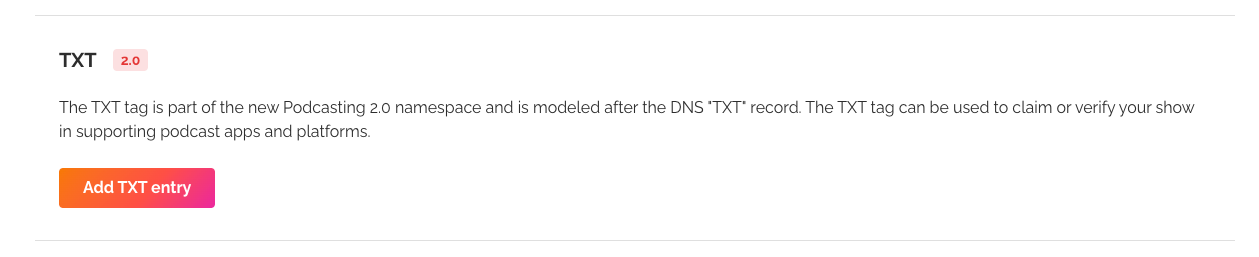
Click Add TXT entry, or Manage TXT entries once you have one. On the next page, click Add new TXT entry, fill in Purpose and Value, and save. You can edit or delete entries there too.

What to put in Purpose and Value
Purpose says what the entry is for, and Value holds the text itself. Enter both exactly as the platform asks. For example, a platform that verifies ownership might ask for the purpose verify and the value RSSVERIFY.
Was this article helpful?
That’s Great!
Thank you for your feedback
Sorry! We couldn't be helpful
Thank you for your feedback
Feedback sent
We appreciate your effort and will try to fix the article