Power-Ups are extra features you can turn on for your podcast. Most of them add Podcasting 2.0 tags to your RSS feed. They are off by default and available on every plan.
Available Power-Ups
Power-Ups include the following features:
Alternate Enclosure (Podcasting 2.0): add other versions of an episode to your feed, such as a video or a low-bandwidth audio file.
Soundbites (Podcasting 2.0): mark short highlights in your episodes. They appear on your RSS.com podcast website and in apps that support them.
TXT (Podcasting 2.0): a flexible text storage tag that can be used for verification, authentication, or other advanced metadata needs.
Live Item (Podcasting 2.0): enables real-time broadcasting of your podcast episodes, allowing listeners to tune in live as you record.
Publish in the Past: Lets you publish episodes with a past date.
How to Enable Power-Ups
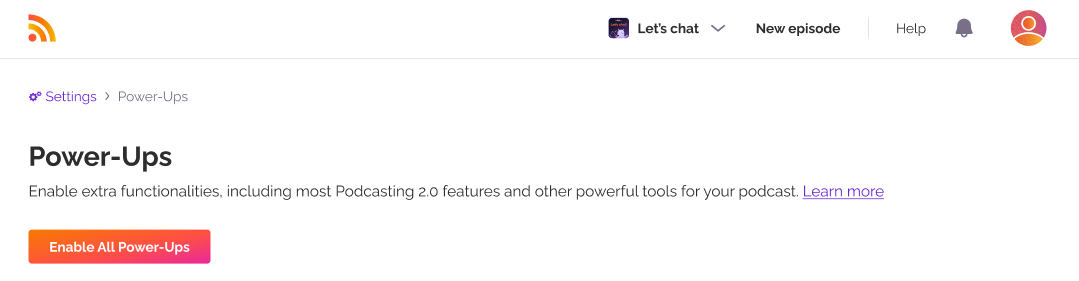
Go to Settings > Power-Ups in your RSS.com dashboard and click on Enable Power-Ups.

Click on Enable All Power-Ups to enable all of them and your new features will now be applied to your podcast.
How to disable Power-Ups
You can disable Power-Ups at any time. This hides them from your dashboard and removes your Soundbites and TXT entries from your RSS feed. Both come back when you turn Power-Ups on again. Alternate enclosures and live episodes stay in your feed.
To delete this content completely, you must manually remove it from where it was originally created.
Was this article helpful?
That’s Great!
Thank you for your feedback
Sorry! We couldn't be helpful
Thank you for your feedback
Feedback sent
We appreciate your effort and will try to fix the article