The embedded player lets you play your podcast or one of its episodes on any website. Copy its embed code from your public page or from your dashboard, then paste it into an HTML block where you want the player to appear.
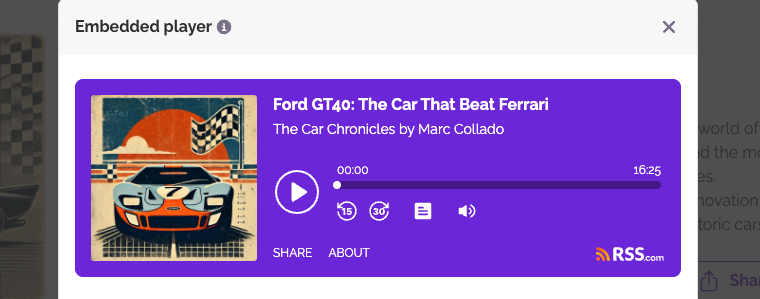
Embedding a show from your public page
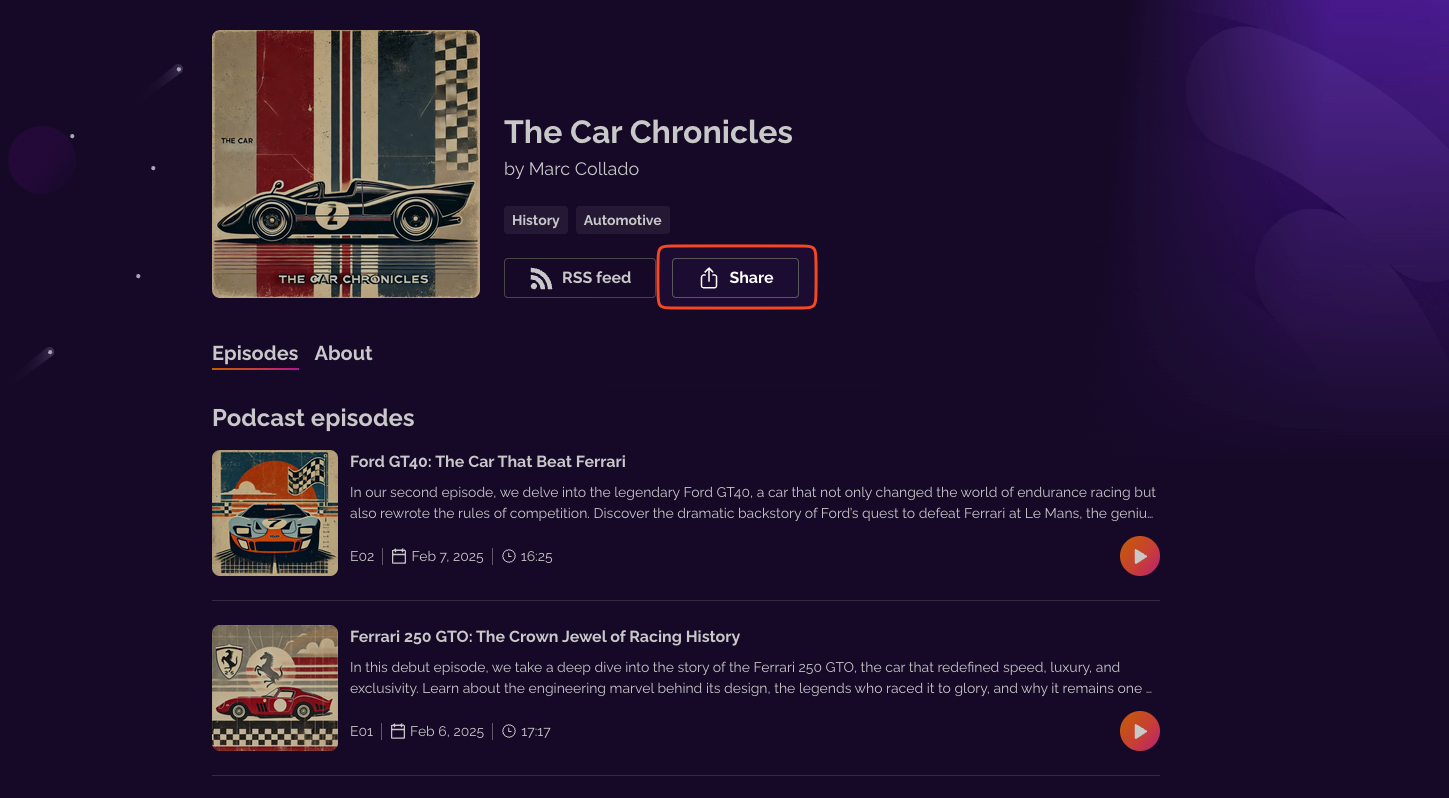
Go to your public page and click Share.
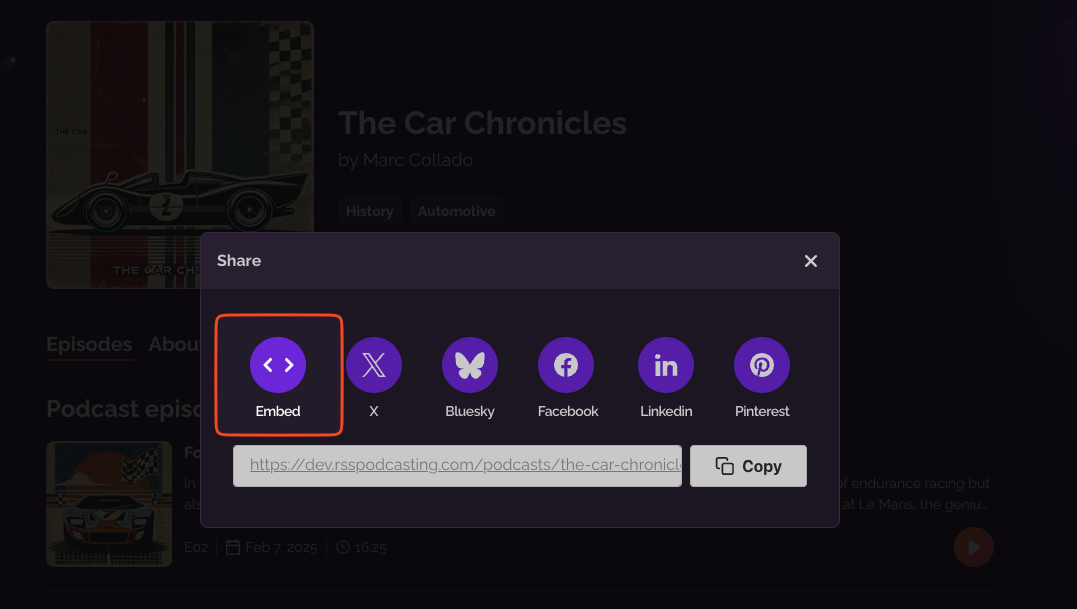
Select Embed.
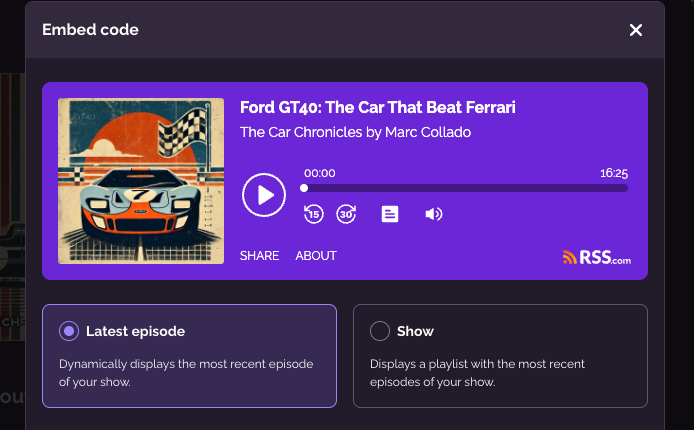
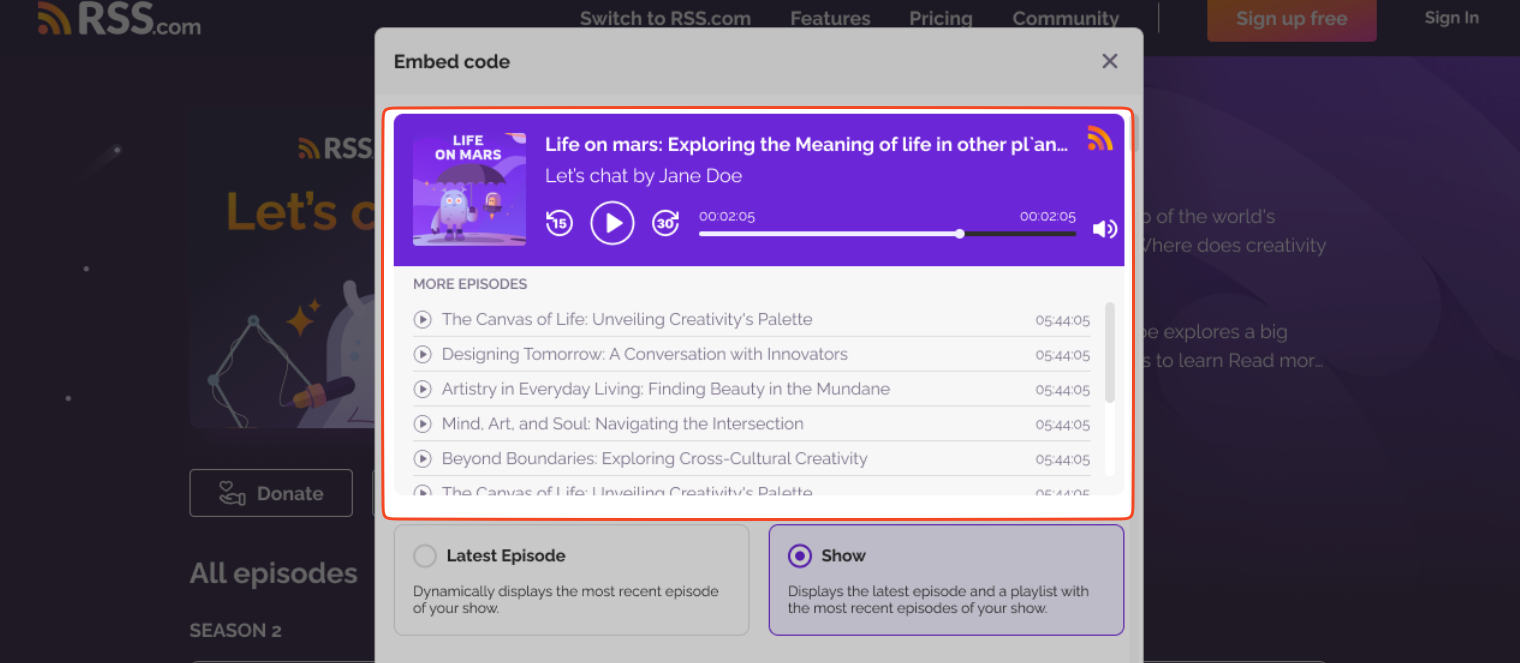
Choose between Latest episode and Show
Latest episode is selected by default. The player always shows the most recent episode of your show, and it moves on by itself when you publish a new one.
Select Show and the player displays a playlist with the most recent episodes of your show.
Embedding a particular episode
To embed one episode, go to the episode page and click Share.
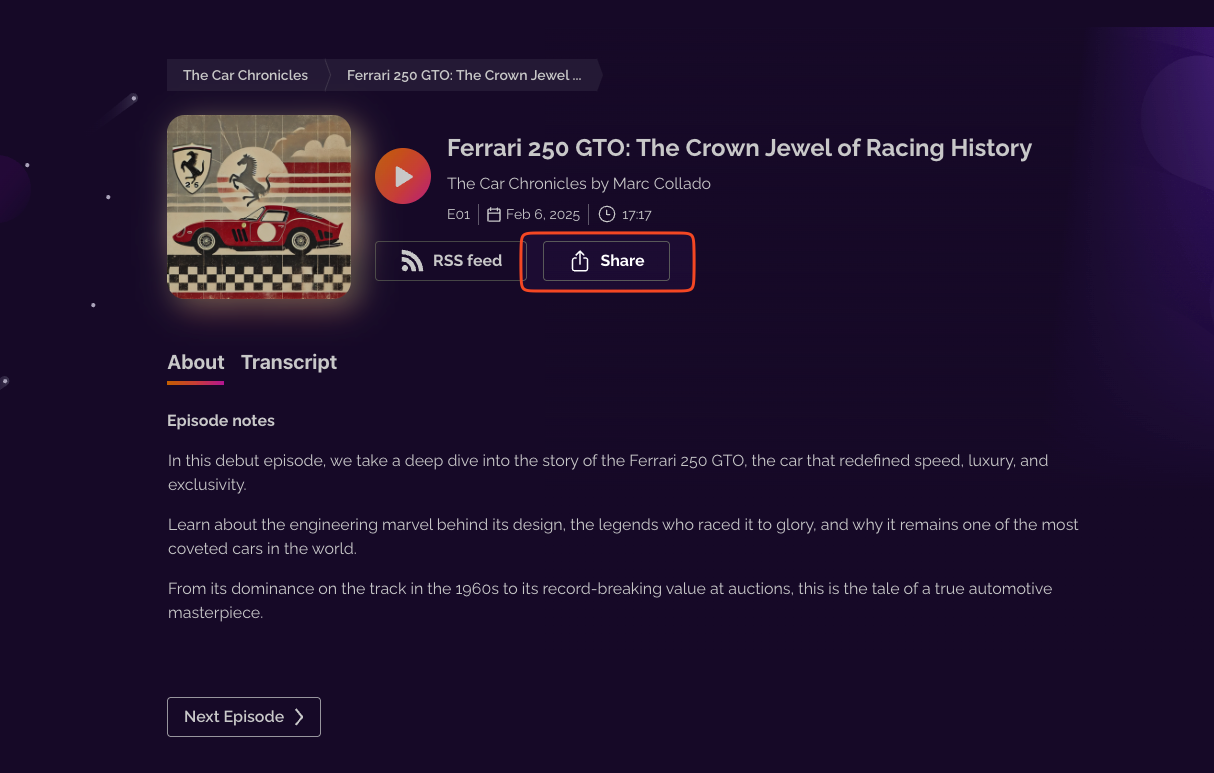
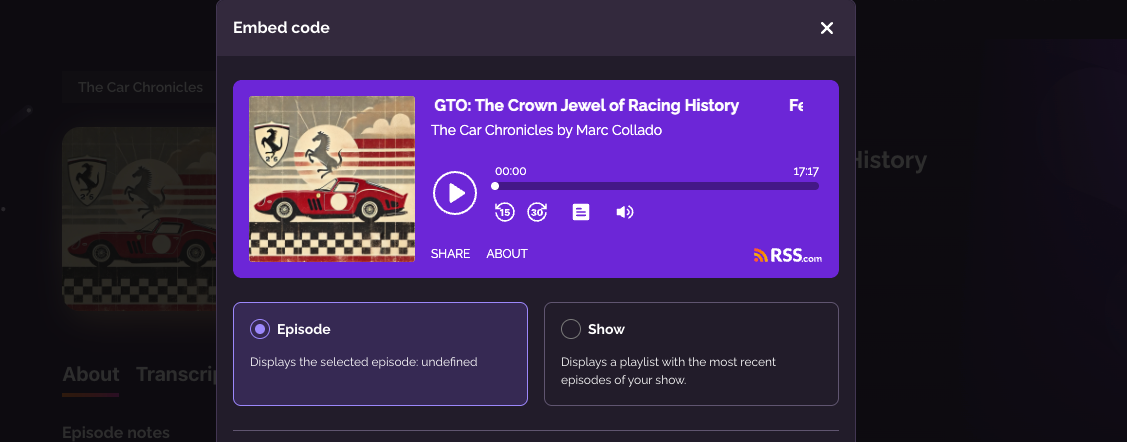
Then select Embed.

This time, Episode is selected by default, so the player always plays that episode. If you shared episode 41, the player stays on episode 41 and doesn't move on to newer episodes. Select Show instead to display the playlist of recent episodes.
Sharing from your dashboard
To embed the whole show, click Share on the My Podcast page, then select Embed.

To embed an episode, open the Episodes tab, click the three dots next to the episode, select Share and then Embed.

You get the same options as on your public page. When the player looks the way you want, click Copy embed code and paste the code into your site.

Customize the player
Before you copy the code, you can change how the player looks. The embed window shows a preview as you go.
- Pick a theme, Color (called Default on your public page), Light or Dark.
- Under Player Options, choose whether to show the skip buttons, the volume control, the share section and the about section, which includes your podcast description.
- On Plus, Pro and Max you can also hide the RSS.com logo. If you subscribed before our current plans, your paid plan includes it too.
For more ways to adjust the player, such as the number of episodes in the playlist, see Advanced customization of the embedded player.
Video episodes
For a video episode, the embedded player plays the audio. The video plays on your RSS.com podcast pages. See Where your video episodes play.
Was this article helpful?
That’s Great!
Thank you for your feedback
Sorry! We couldn't be helpful
Thank you for your feedback
Feedback sent
We appreciate your effort and will try to fix the article